
Looking for the best WooCommerce product search plugins for your store?
Product search is one of the most important parts of the online shopping experience. Customers do not want to browse through endless categories. Instead, they head straight to the search bar and expect fast, accurate results.
When search fails, visitors often abandon the site, and those lost opportunities directly impact sales. This makes search a critical feature for every WooCommerce store.
The challenge is that WooCommerce’s default search is limited. It only looks at basic fields, does not support live suggestions, and lacks modern features like typo handling or filtering. While this may work for very small catalogs, it becomes a serious obstacle as your store grows.
The shortcomings of the default system are easy to overcome with the right tools. Dedicated WooCommerce product search plugins add the speed, accuracy, and modern features that customers expect.
In this guide, we will explore some of the best options available and help you understand which one is the right fit for your store.
Why Product Search Matters in WooCommerce
Product search is a key part of the shopping journey. Customers who use the search bar are two to three times more likely to convert than those who only browse. This is because searchers usually have higher purchase intent, they already know what they want and are simply trying to find it quickly.
For WooCommerce stores, search becomes even more critical as the catalog grows. A small shop with a dozen products may not struggle much, but once you are dealing with hundreds or thousands of items, browsing alone is not enough. If a shopper searches for “red running shoes” and your store fails to deliver accurate results, there is a strong chance that person will leave and buy from a competitor instead.
A good product search helps prevent that outcome. It reduces the time from query to purchase and makes the experience more enjoyable. Modern plugins also go beyond basic keyword matching by handling typos, recognizing synonyms, and suggesting related products that the shopper might not have considered.
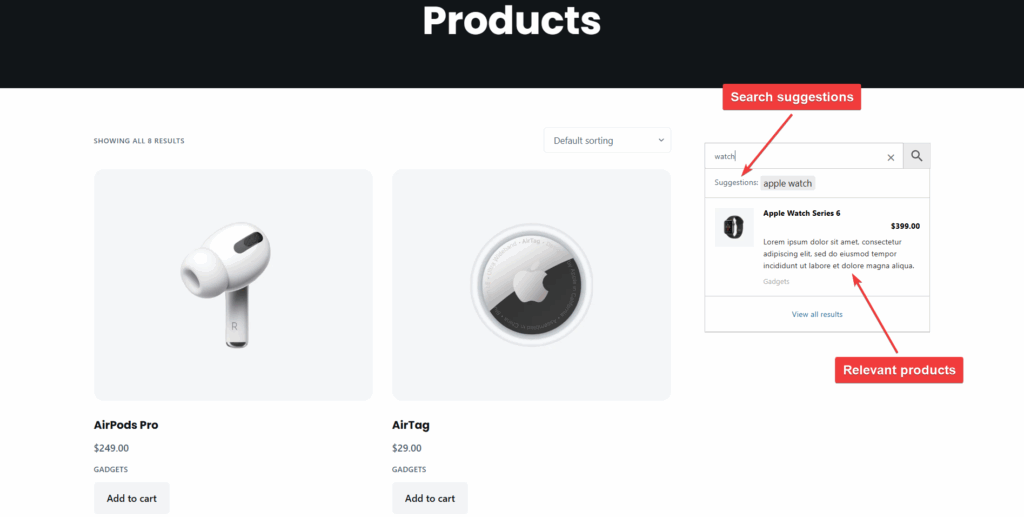
Shoppers today expect features like:
- Live autocomplete suggestions as they type
- The ability to filter results by category, price, or attributes
- Fast and accurate matches that feel seamless across desktop and mobile
When you meet these expectations, customers are more likely to complete their purchase and return for future orders. When you don’t, frustration sets in, trust declines, and abandoned carts become more common. That is why product search is directly tied to conversions and overall store success.
Limitations of the Default WooCommerce Search
WooCommerce comes with a basic search function, but it shows its limitations quickly. By default, it only scans product titles, content, and excerpts. Key details such as SKUs, attributes, categories, or custom fields are ignored. For store owners, this is a serious drawback since many purchase decisions rely on those fields.
Another problem is the lack of relevance-based ranking. Instead of showing the most suitable products first, WooCommerce often lists results in reverse chronological order. This means a less relevant item may appear above the product a customer actually wants, creating confusion and frustration.
Performance also suffers as the catalog grows. Because the default search queries the database directly without indexing or optimization, results slow down on larger stores and put extra load on the server.
Modern features are also missing. There is no live search or autocomplete, so users must type a query, submit it, and wait for the page to reload. Advanced filtering by size, color, price, or stock status is unavailable unless you invest in custom development.
Finally, WooCommerce provides no analytics to help store owners understand search behavior. Without insight into popular or failed queries, it’s difficult to optimize search results or product data. Multilingual stores face further issues, as results may display content in unintended languages.
Overall, the default search system is too basic for modern eCommerce. It works for simple needs but falls short of customer expectations, creating unnecessary friction that can cost you sales.
Best WooCommerce Product Search Plugins
WooCommerce’s default search leaves much to be desired, but there are several plugins that transform it into a fast, reliable, and feature-rich system. Below, we’ll review some of the best options available.
At a glance -
| Plugin | Free Version | Premium Features | Pricing |
| Advanced Woo Search | Yes - core search across titles, content, SKUs | Custom fields, product variations, synonyms, and multilingual support | From $69/year; lifetime license available |
| FiboSearch | Yes - basic search and autocomplete | Fuzzy search, synonyms, analytics, variation support, large catalogs | From $59/year; tiered plans by catalog size |
| YITH WooCommerce Ajax Search | Yes - essential AJAX search | Synonyms, typo tolerance, product boosting, analytics, and advanced customization | $89.99/year |
| SearchWP | No free core, but free companion plugin (Live Ajax Search) | Custom algorithms, indexing PDFs/media, analytics, and eCommerce integration | Standard $99/year; Pro $199/year; Agency $399/year |
| Ivory Search | Yes - basic product/content search | SKU search, keyword stemming, inventory filters, and advanced exclusions | Pro $19.99/year; Pro Plus $49.99/year |
Advanced Woo Search
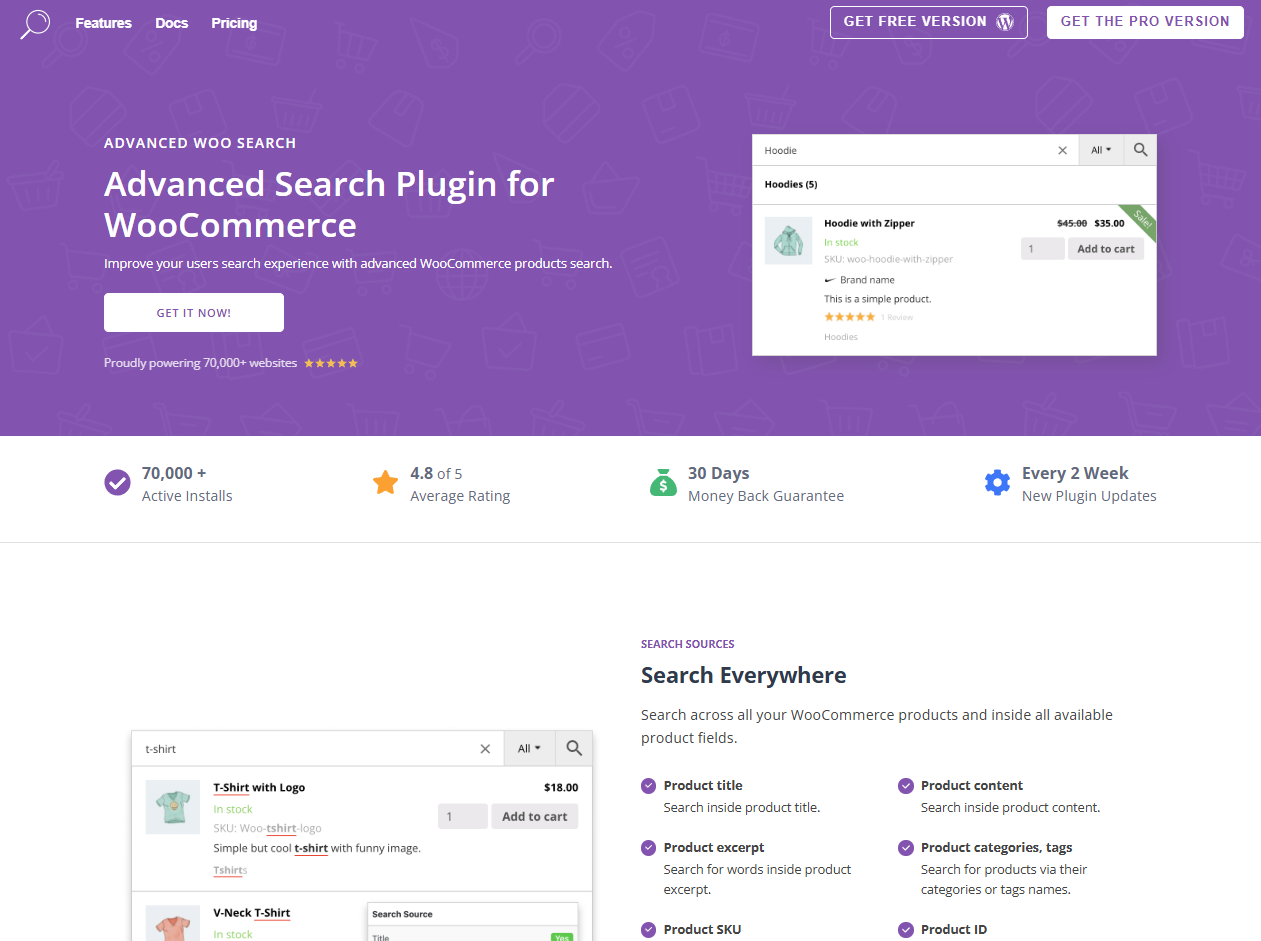
Advanced Woo Search is one of the most widely used WooCommerce search plugins, trusted by over 70,000 websites.
The plugin dramatically expands WooCommerce search beyond product titles and content. Customers can search by categories, tags, SKUs, attributes, IDs, custom fields, and even product variations. This makes it easier for shoppers to find what they need, whether they type in a model number, a color, or a brand name. The search engine also includes relevance-based ranking, synonym recognition, typo correction, and live suggestions to create a seamless experience. For store owners, customizable result layouts, “add to cart” buttons, and multilingual support make it a flexible solution for stores of all sizes.
The plugin is available in both free and premium versions. The free version covers the basics, but premium plans starting at $69 per year unlock advanced features like custom field search, variation handling, multilingual support, and more. Lifetime licenses are also available.
FiboSearch
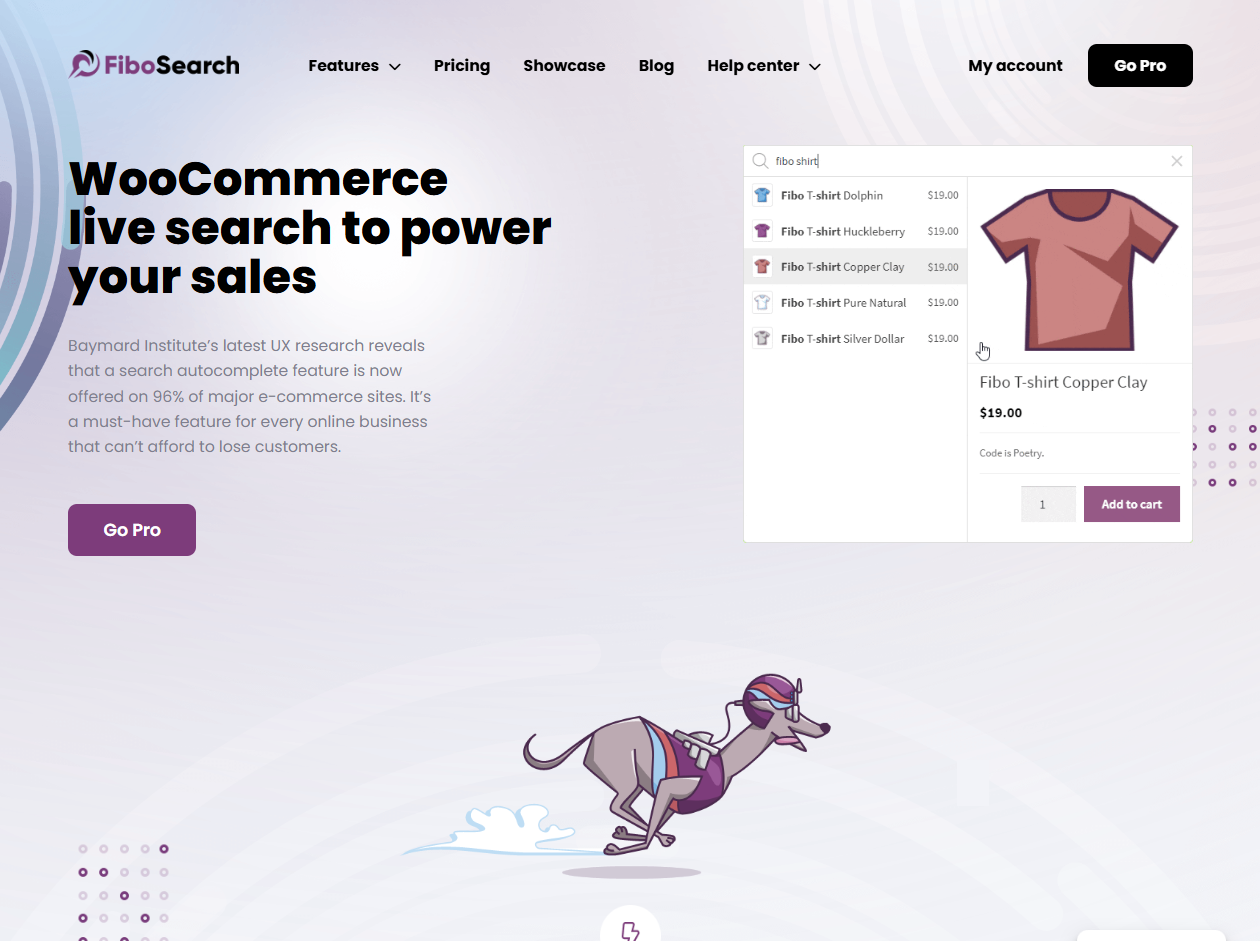
FiboSearch is a powerful WooCommerce live search plugin designed to deliver lightning-fast results and a modern shopping experience.
The plugin stands out for its speed (average server response time is just 0.15 seconds), even on stores with tens of thousands of products. Customers get real-time autocomplete suggestions with extended product data, including images, prices, SKUs, and short descriptions. On mobile, FiboSearch uses an overlay display similar to Google, making search smooth and intuitive across devices. These features help reduce bounce rates, speed up decision-making, and increase conversions.
Another benefit is the details panel that appears on hover, giving shoppers quick product insights without leaving the search bar. With support for attributes, categories, tags, and custom fields, FiboSearch ensures customers always find relevant results.
The free version covers basic search functions and autocomplete. Pro plans, starting at $59 per year, unlock advanced features like fuzzy search, synonyms, product variations, analytics, and support for very large catalogs.
YITH WooCommerce Ajax Search
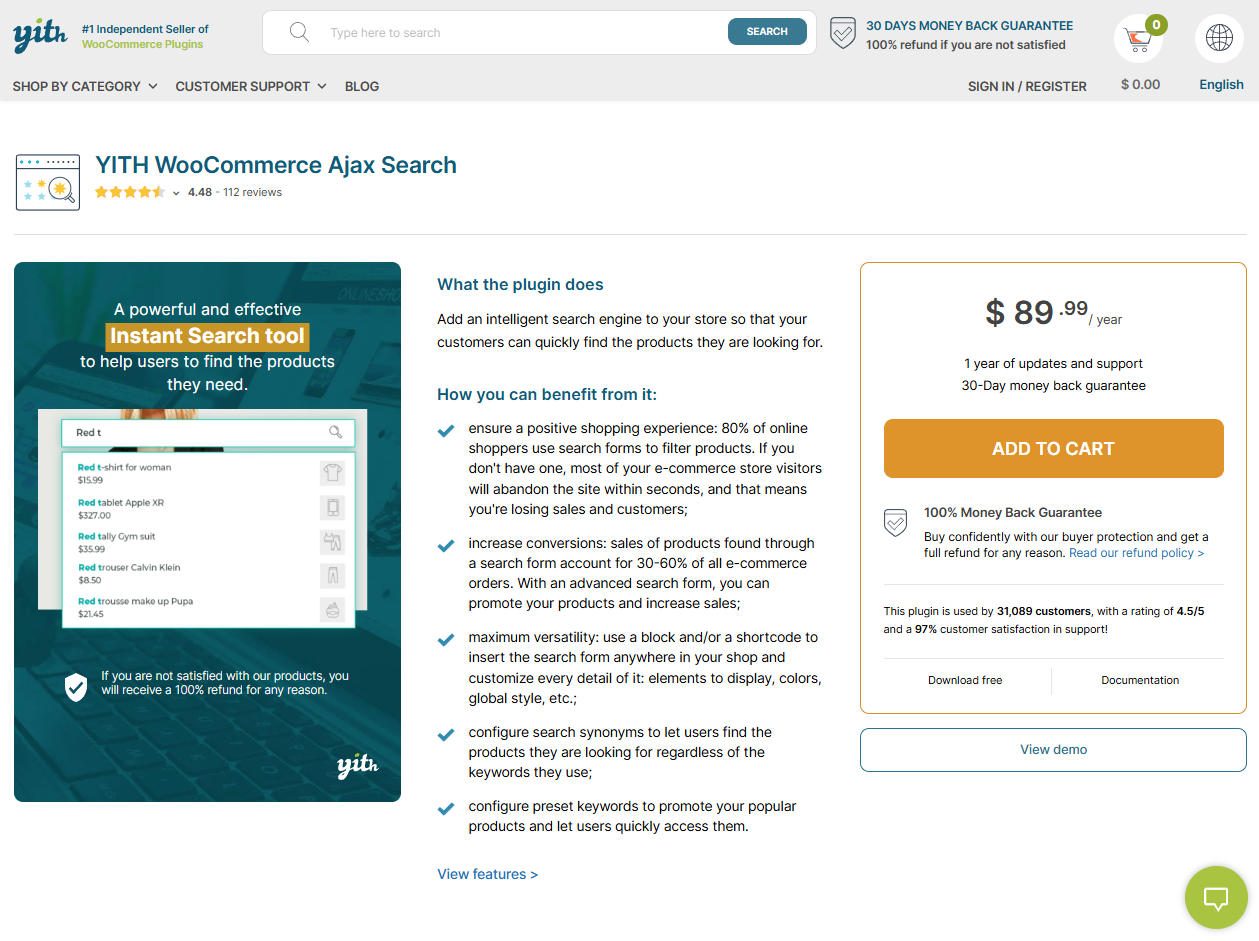
YITH WooCommerce Ajax Search is a feature-rich plugin that helps customers quickly find and buy products without leaving the search bar.
The plugin offers instant, intelligent results powered by AJAX technology. Shoppers can search by product names, descriptions, SKUs, attributes, categories, and tags. Features like synonyms, fuzzy matching, and typo tolerance ensure accurate results, while priority rules let store owners control which products appear first. The plugin also includes customization tools for styling the search form and results, with options like full-screen layouts, badges for featured or discounted products, and an “add to cart” button directly in results.
Other benefits include advanced marketing tools such as trending searches, keyword boosting, and integrated search analytics. Mobile-friendly layouts make the search experience seamless on smartphones and tablets.
The free version covers essential AJAX search, while the premium plan ($89.99/year) adds advanced features like synonyms, product boosting, analytics, and design customization. For growing WooCommerce stores, it’s a strong choice to turn search into a real sales driver.
SearchWP
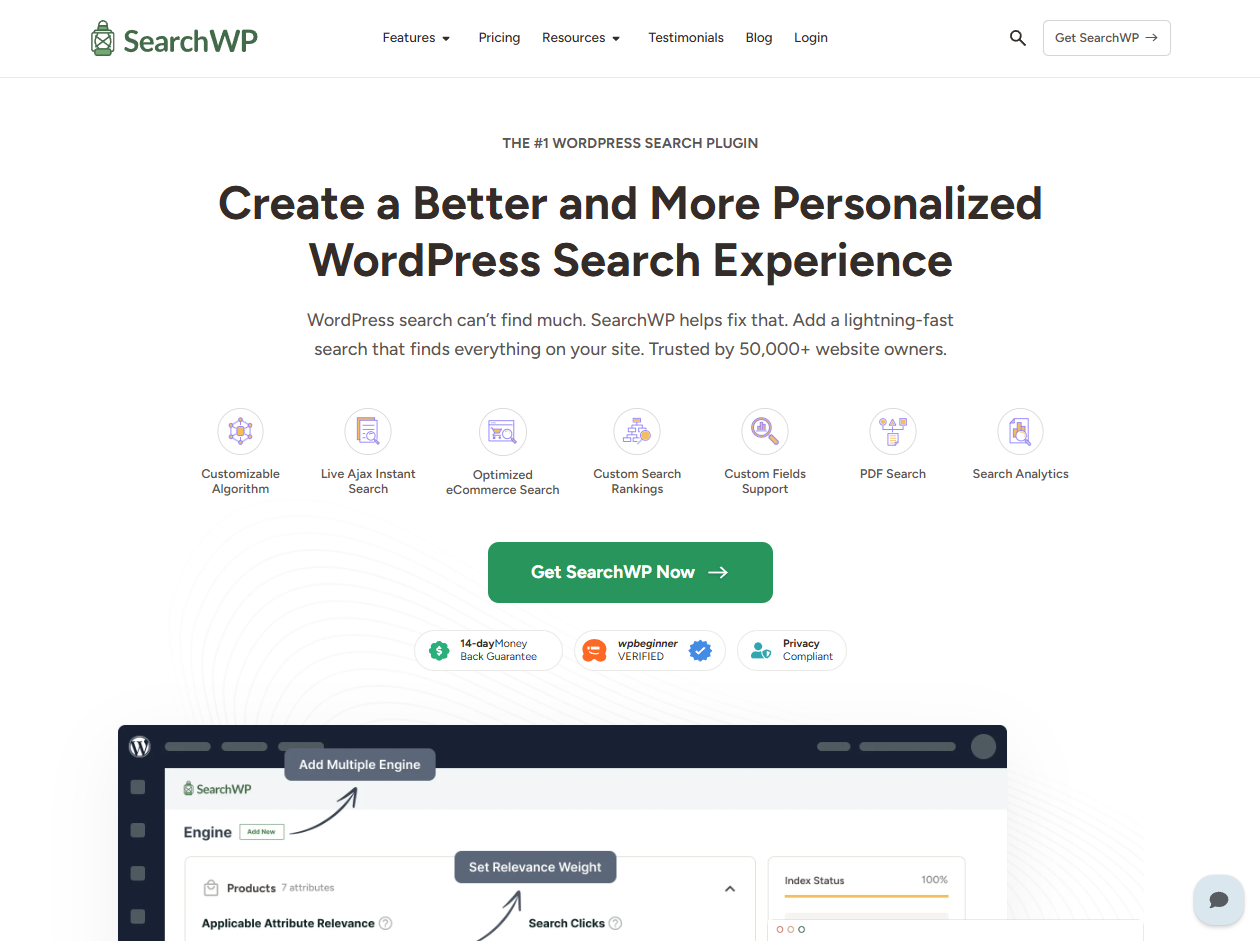
SearchWP is a premium product search plugin trusted by thousands of websites to deliver accurate, fast, and customizable search results.
The plugin goes far beyond the default WordPress search by indexing virtually all content, including product attributes, SKUs, custom fields, categories, taxonomies, PDFs, and media files. Store owners can customize the search algorithm to prioritize certain content, set weighting rules, and even create multiple search engines for different areas of the site. Live AJAX search and instant autocomplete improve user experience, while built-in analytics provide valuable insights into search behavior and content gaps. For eCommerce, it integrates seamlessly with WooCommerce, Easy Digital Downloads, and BigCommerce.
SearchWP offers three annual premium plans: Standard ($99/year for one site), Pro ($199/year for up to three sites), and Agency ($399/year for unlimited sites). While the core plugin is paid-only, there is a free companion plugin called SearchWP Live Ajax Search that adds instant AJAX results.
Ivory Search
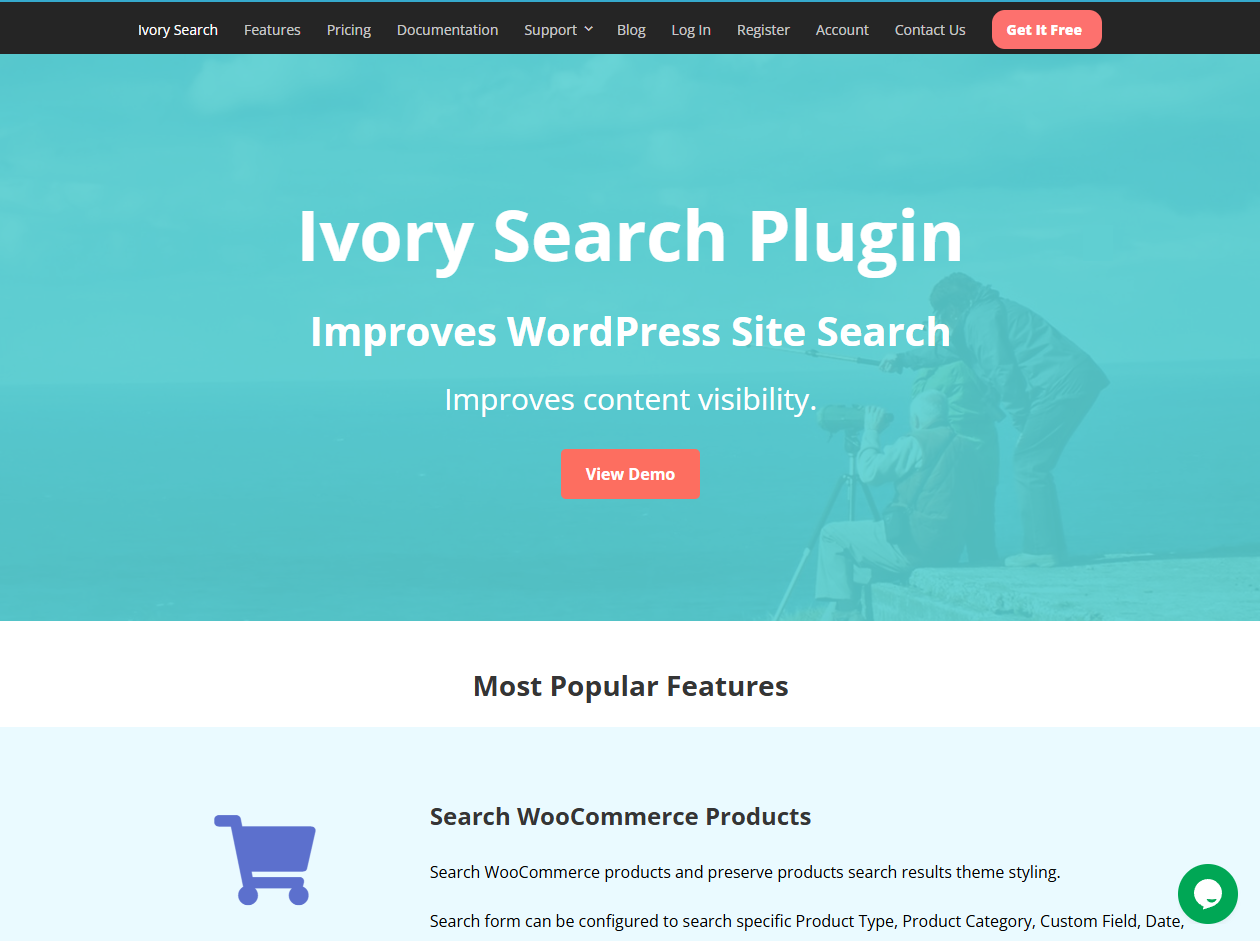
Ivory Search is a flexible WordPress and product search plugin that allows store owners to create unlimited custom search forms tailored to different needs.
The plugin makes it easy to search across WooCommerce products, categories, attributes, SKUs, and even exclude out-of-stock products from results. Beyond products, it can also index images, media files, attachments, and documents, giving visitors a more complete search experience. Features like fuzzy matching, keyword stemming, and highlighted search terms help customers find what they need, even if they make typos or use partial keywords. Store owners can display search forms anywhere on the site, from the header and navigation menu to sidebars and content areas, using shortcodes and widgets.
Ivory Search offers both free and premium versions. The free plugin covers basic product and content search, while Pro ($19.99/year) adds ordering and exclusions. Pro Plus ($49.99/year) unlocks advanced WooCommerce features like SKU search, keyword stemming, and inventory-based filtering.
How to Choose the Right Plugin for Your Store
With so many WooCommerce product search plugins available, it can feel overwhelming to decide which one is right for your site. The best choice depends on your store’s size, budget, and the features you value most. Here are some key factors to consider.
Store Size & Catalog Complexity: If you run a small shop with just a handful of products, a free plugin with basic live search may be more than enough. But larger stores with hundreds or thousands of products need more powerful tools. Advanced plugins that use indexing, support attribute searches, and provide detailed analytics are better suited for managing complex catalogs.
Budget Considerations: Budget is another factor. Free plugins can dramatically improve search for small or new businesses, but they often come with limitations. Premium plugins, while more expensive, usually offer advanced features like SKU and attribute indexing, custom field support, and in-depth reporting. The added functionality often pays for itself in improved conversions.
Ease of Setup & WordPress Integration: Some plugins configure directly inside WordPress with shortcodes, widgets, or blocks, making them very user-friendly. Others require setting up external accounts or cloud connections, which can be more complex. For store owners who prefer to manage everything within WordPress, choosing a plugin with native integration will save time and effort.
Feature Priorities: Different stores have different needs. Some owners prioritize speed and live autocomplete, while others care most about typo tolerance, synonyms, or analytics. Think about what features will make the biggest difference to your customers. If your store serves international audiences, for example, multilingual support may be essential.
Performance & Scalability: Finally, consider how the plugin will perform under load. Stores with high traffic and large inventories should look for plugins that use optimized indexing or caching to keep searches fast. The last thing you want is for search performance to slow down as your business scales.
By weighing these factors, you can narrow down your options and select WooCommerce product search plugins that not only meet your current needs but also support your long-term growth.
FAQs
1. What is the difference between WooCommerce’s default search and a product search plugin?
The default WooCommerce search only looks at product titles and basic content, often missing key details. WooCommerce product search plugins expand the scope to include SKUs, categories, attributes, and more. They also add features like live suggestions and typo handling, delivering faster, more accurate results that increase customer satisfaction and conversions.
2. Will using WooCommerce product search plugins slow down my website?
A good search plugin is optimized for performance, often using indexing and caching to keep results fast. In many cases, these tools actually make searches more efficient than WooCommerce’s default. Choosing a lightweight, well-coded plugin ensures your store stays responsive, even as your product catalog grows larger.
3. Can WooCommerce product search plugins handle SKUs, attributes, and custom fields?
Yes, many advanced plugins are built to search through SKUs, product attributes, categories, tags, and even custom fields. This makes it easier for customers to find exactly what they need, whether they are searching by model number, size, or color, improving both usability and store conversions.
Conclusion
Product search plays a central role in the WooCommerce shopping experience. A reliable search system helps customers find what they want quickly, increases satisfaction, and directly drives conversions. Unfortunately, the default WooCommerce search is basic and does not meet the needs of modern eCommerce.
That is why investing in dedicated WooCommerce product search plugins is such a smart move. With the right plugin, your store can handle typos, synonyms, SKUs, and attributes with ease. Features like live autocomplete, advanced filtering, and built-in analytics also give shoppers the speed they expect and store owners the insights they need.
The search plugin depends on your goals and catalog size. Free options provide an immediate upgrade, while premium tools add scalability and advanced functionality. Advanced Woo Search, in particular, combines powerful features with a simple setup, making it a strong choice for delivering fast, accurate, and enjoyable product discovery.
Trackbacks