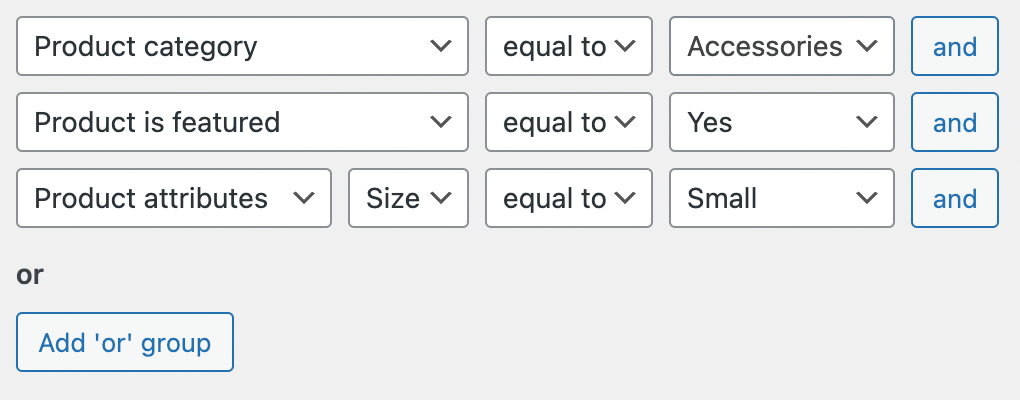
Create filters
Create an unlimited number of search form filters. Think about filters as some sort of predefined search settings.
You can easily create such filters right from the plugin settings page and name it as you want.
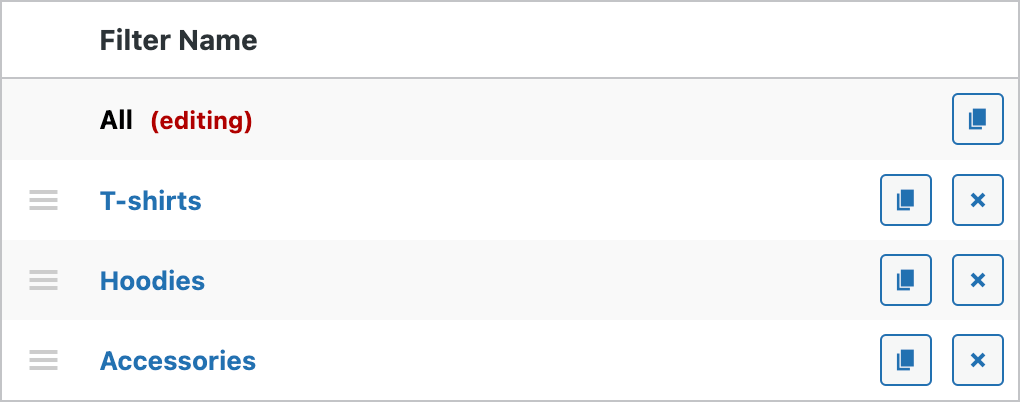
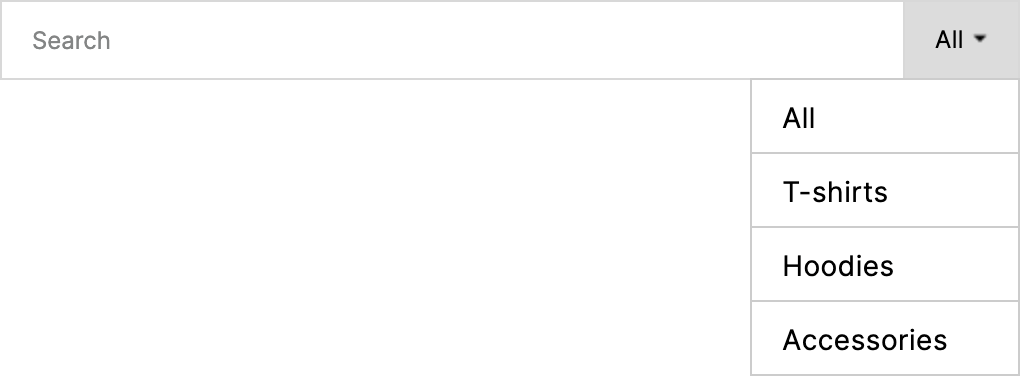
Use the filters button
In the search form you will see created filters as a button with a drop-down menu.
Two types of filters
Choose between two types of possible filters: single filter and dynamic filter.
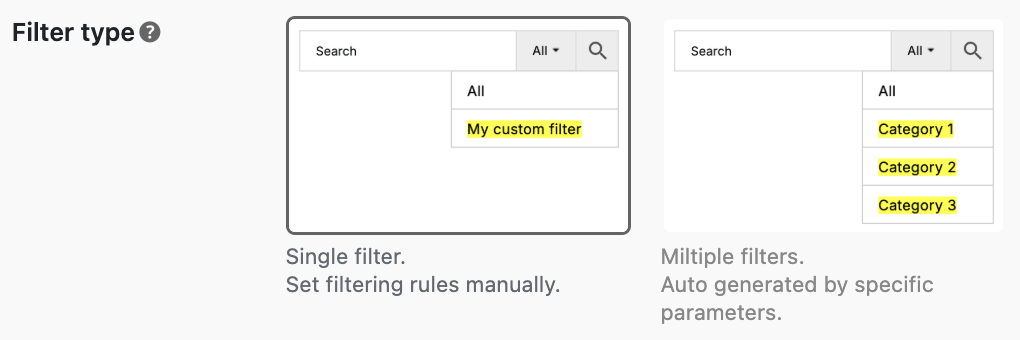
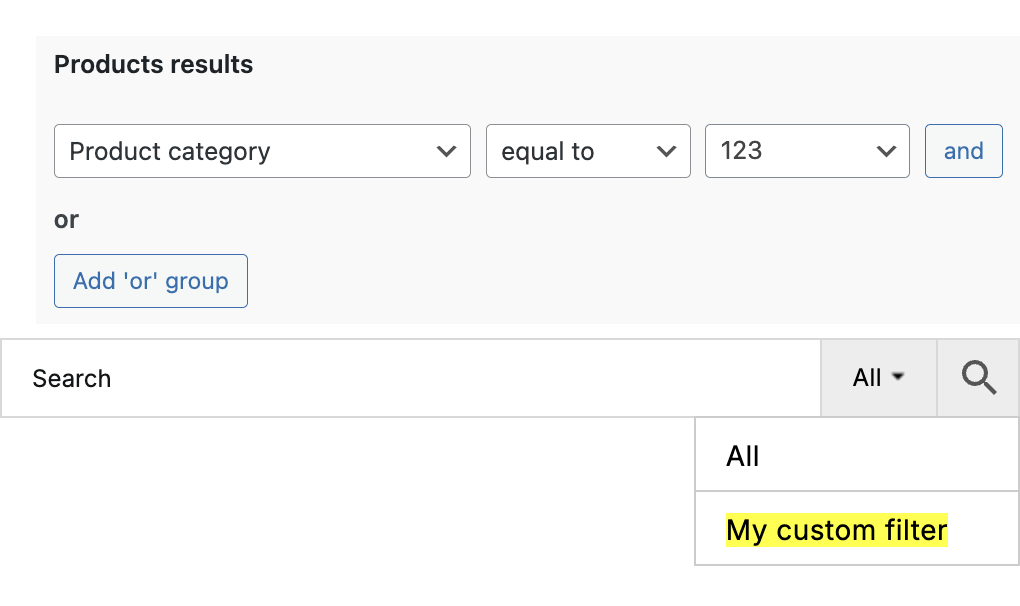
Single filter type
This is a filter type where you need to manually set filtering conditions. As a result - will be created a single filter option with pre-defined filtering rules.
Dynamic filter type
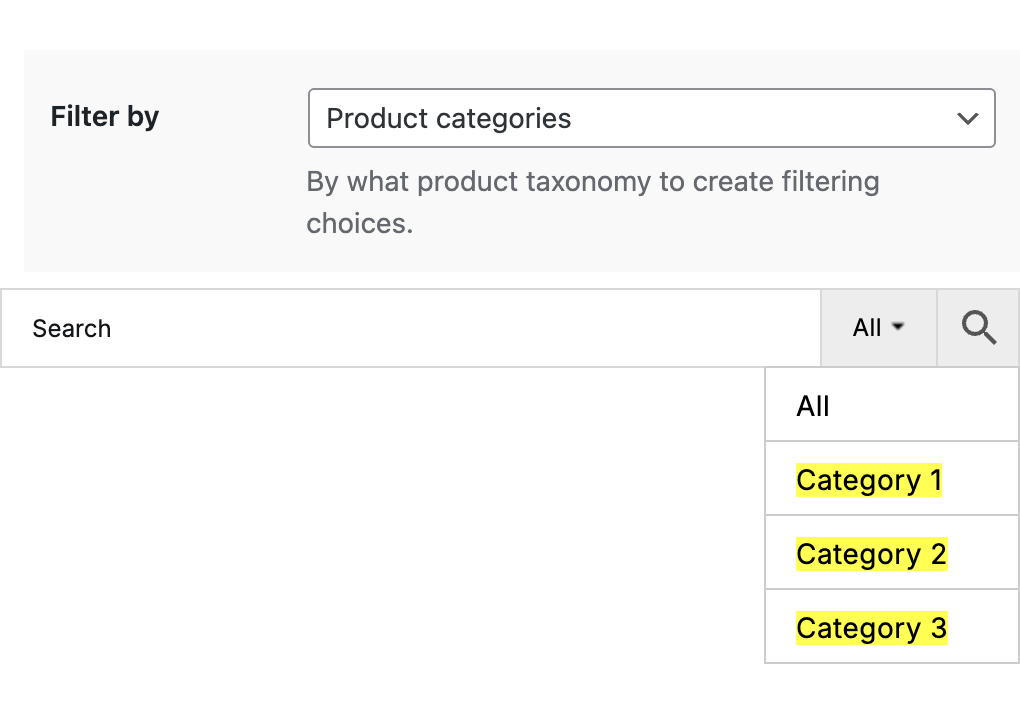
This filter type creates multiple filtering options based on specified product taxonomy. Example: create filtering options by product categories.
Advanced filtering options
Combine filtering options with search form filters buttons to create a powerful filtering feature for your customers.
Exclude or include certain products, terms pages or users search results via filter options.