GET FREE VERSION GET THE PRO VERSION

Live ajax search

Search for products and display them on the same page with powerful live ajax search.

Live search results

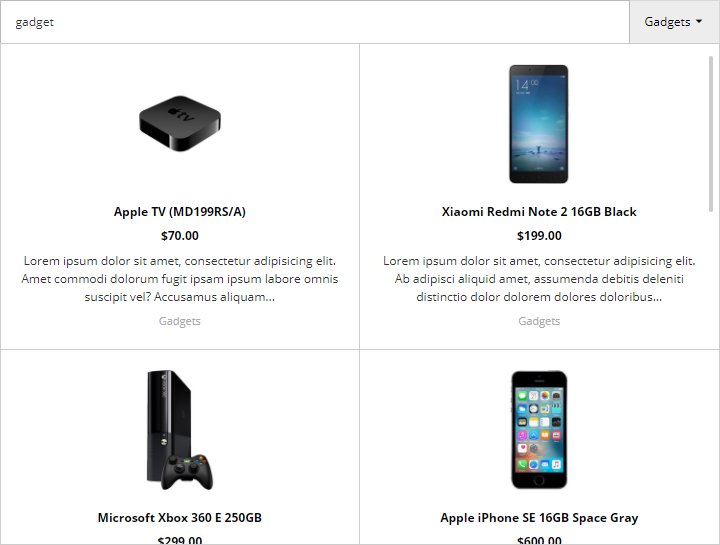
View search results instantly as you type - no need for users to leave the page to find the products they need.
Live search results
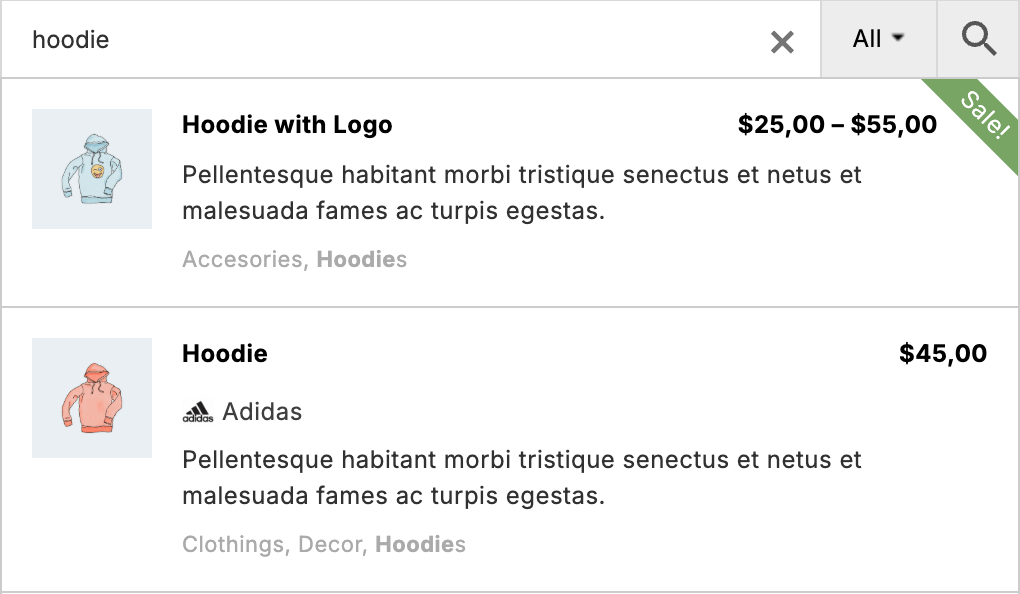
Order search results by relevance score - best matches will be at the top of the list. Use such powerful features like misspelling fix, partial / exact matching, search suggestions, stop words, synonyms words, etc.
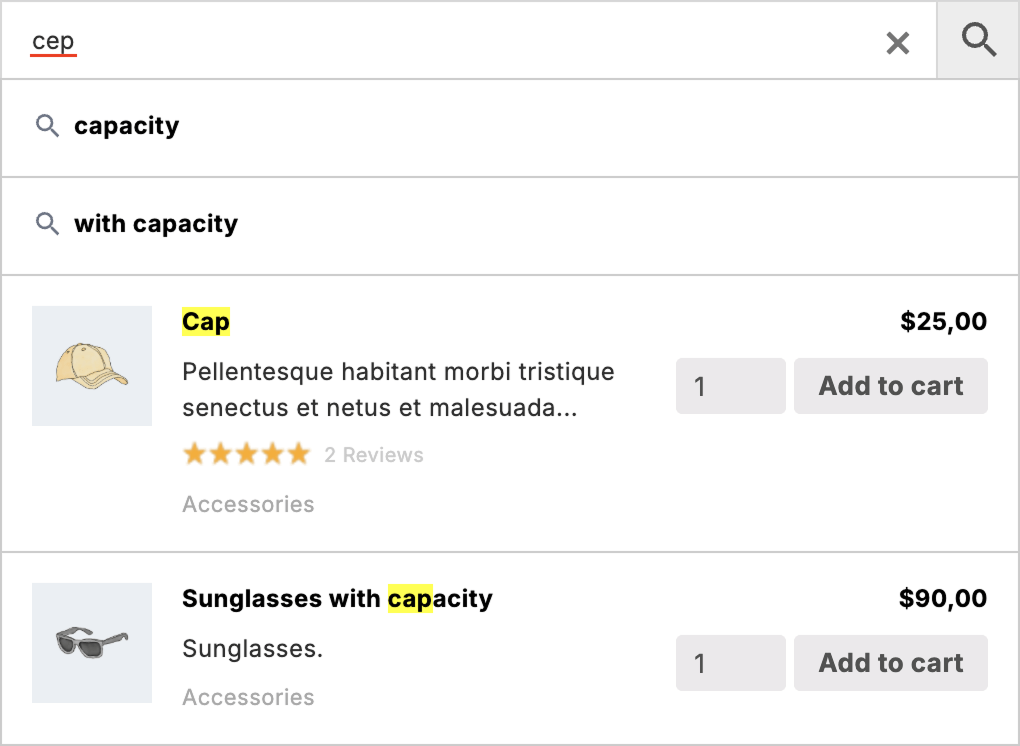
Smart search
Turn on or off ajax live search at any time. Use only live search or only search results page depending on your needs.

On / off live search

Customize search form

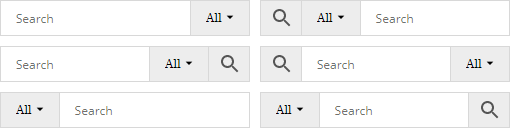
Change search form layout and stylings.

More about search form layouts.

Customize search form

Customize search results

Change the styles of search results, customize layout and show any products data inside.

More about search results layouts.

Customize search results

Search and display taxonomies

Additionally to WooCommerce products you can search and display any products taxonomies.

More about taxonomies search results.
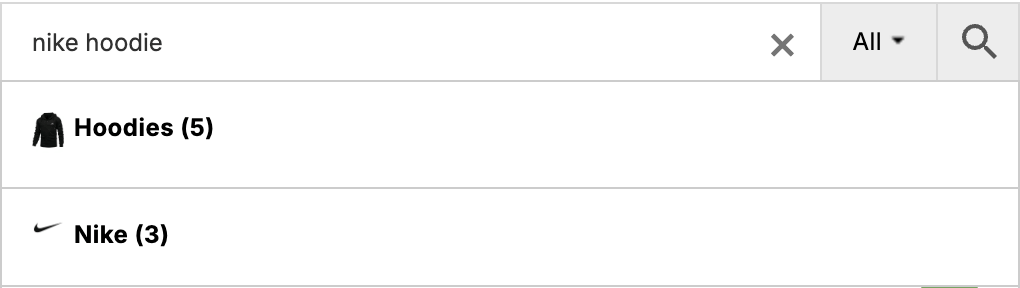
Search and display taxonomies

Filters

Create filtering rules for your search results. Display those filters as a drop-down menu for plugin search form.

More about results filters.

Filters

Add to Cart button

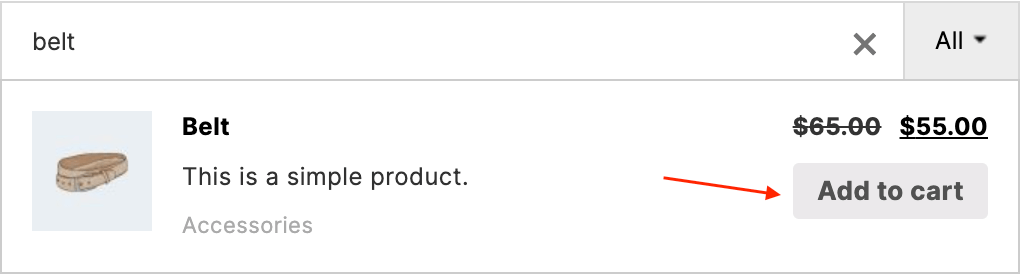
Add Add to cart button right inside the search results. This makes it possible to add the product to the cart without visiting the product page.

More about Add To Cart buttons.

Add to Cart button

Q&A

Does it support multilingual plugins?

Absolutely! Plugin has built-in integration for all most major multilingual plugins. You can search for products via the current site language and receive results in this language. More about multilingual features you can read here.

Can I change the max number of results for the live results block?

Sure, that option, as well as many others, are available right inside the plugin settings page.

How can I change the styles for live search results?

Some styling options are available inside the plugin settings page. For more advanced styling changes you can use custom css rules. Some examples of such customizations can be found here.

What data can I show for each product in live results?

From the plugin settings page you can set up options to show or hide products fields like product title, description, image, price, stock status, sale status, quantity, categories, tags, brands, SKU, GTIN. If you want to show some additional data you can also can do this the following info from this article.

More great features

Download free version

Download free version from wordpress.org repository.

Purchase pro version

Read about differences between free and pro versions here.