
Overview
Starting from plugin version 3.59, several new options were added for Non-Products Search Results. These options can be found inside the plugin settings page -> Search Results -> Non-Products Search Results.
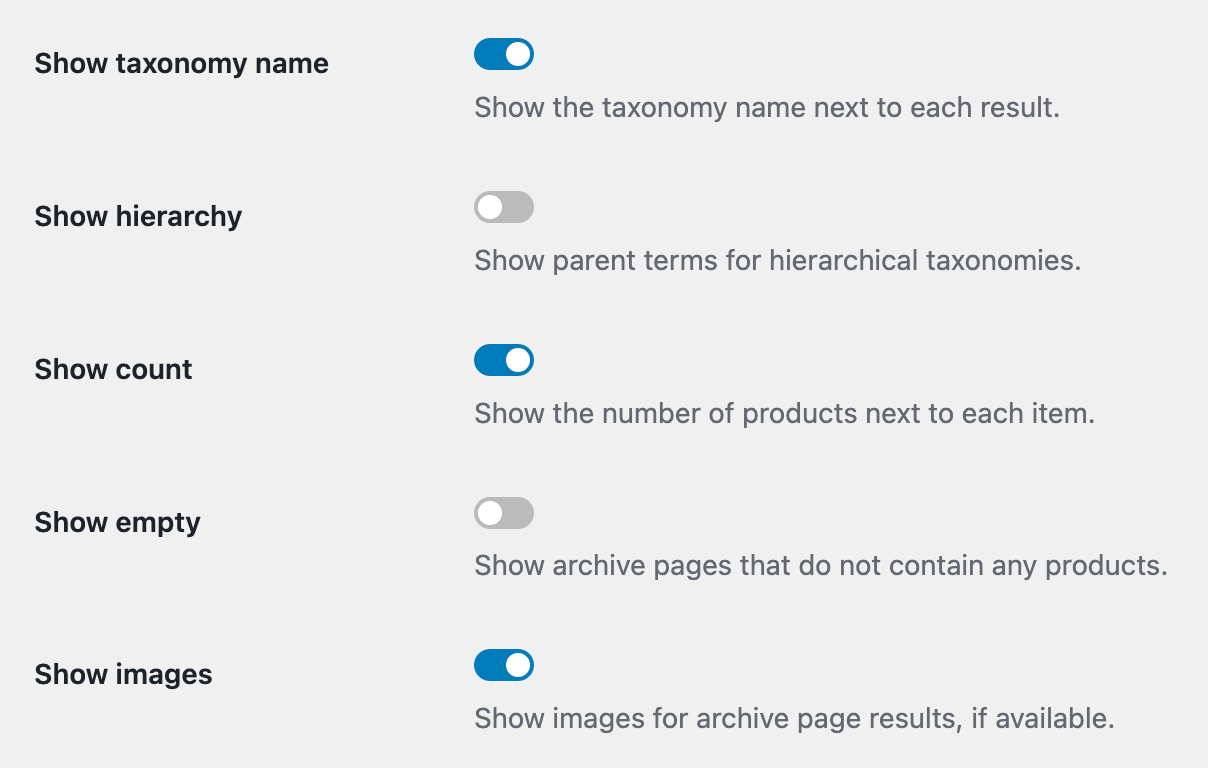
These options are related to how non-product results are displayed and what additional data they show. Below, we will cover each of them in detail.
Option: Show taxonomy name

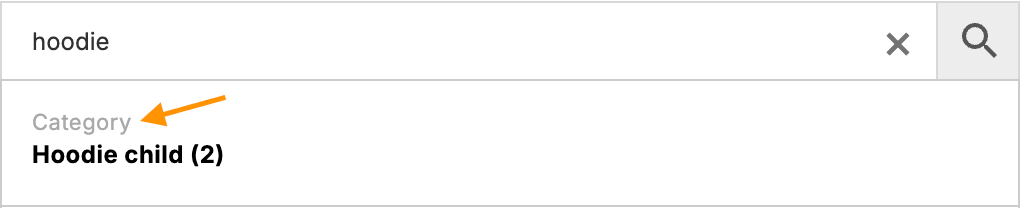
This option adds the current taxonomy name next to the archive page term search result.
Option: Show hierarchy

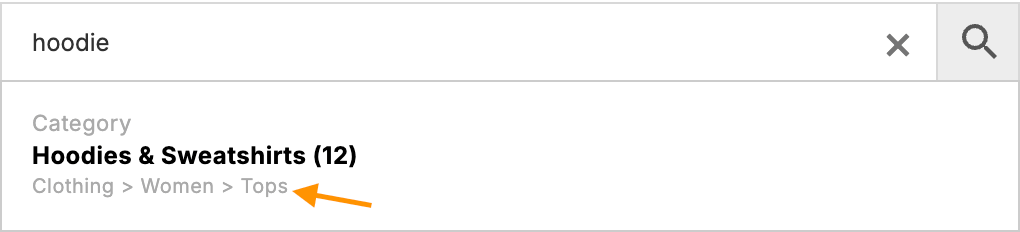
This option adds the parent taxonomy hierarchy path to the archive page term search result. The limit is 3 levels deep.
Option: Show count

Show or hide the number of products related to the current taxonomy term search result.

Option: Show empty

Show taxonomy terms in search results even if they do not have any related products.
Option: Show images

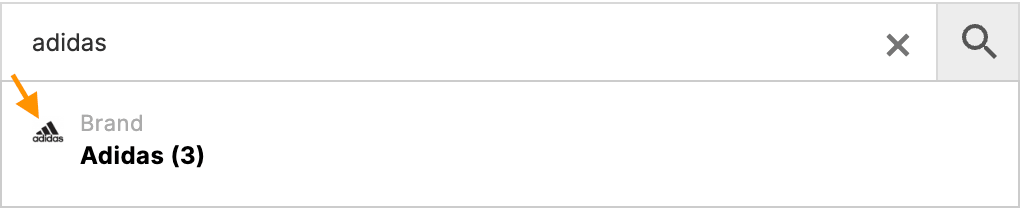
Show or hide the image related to the current taxonomy term.
Comments