Overview
This article explains why PRO features may remain disabled in the admin dashboard even after purchasing the Advanced Woo Search PRO plugin.
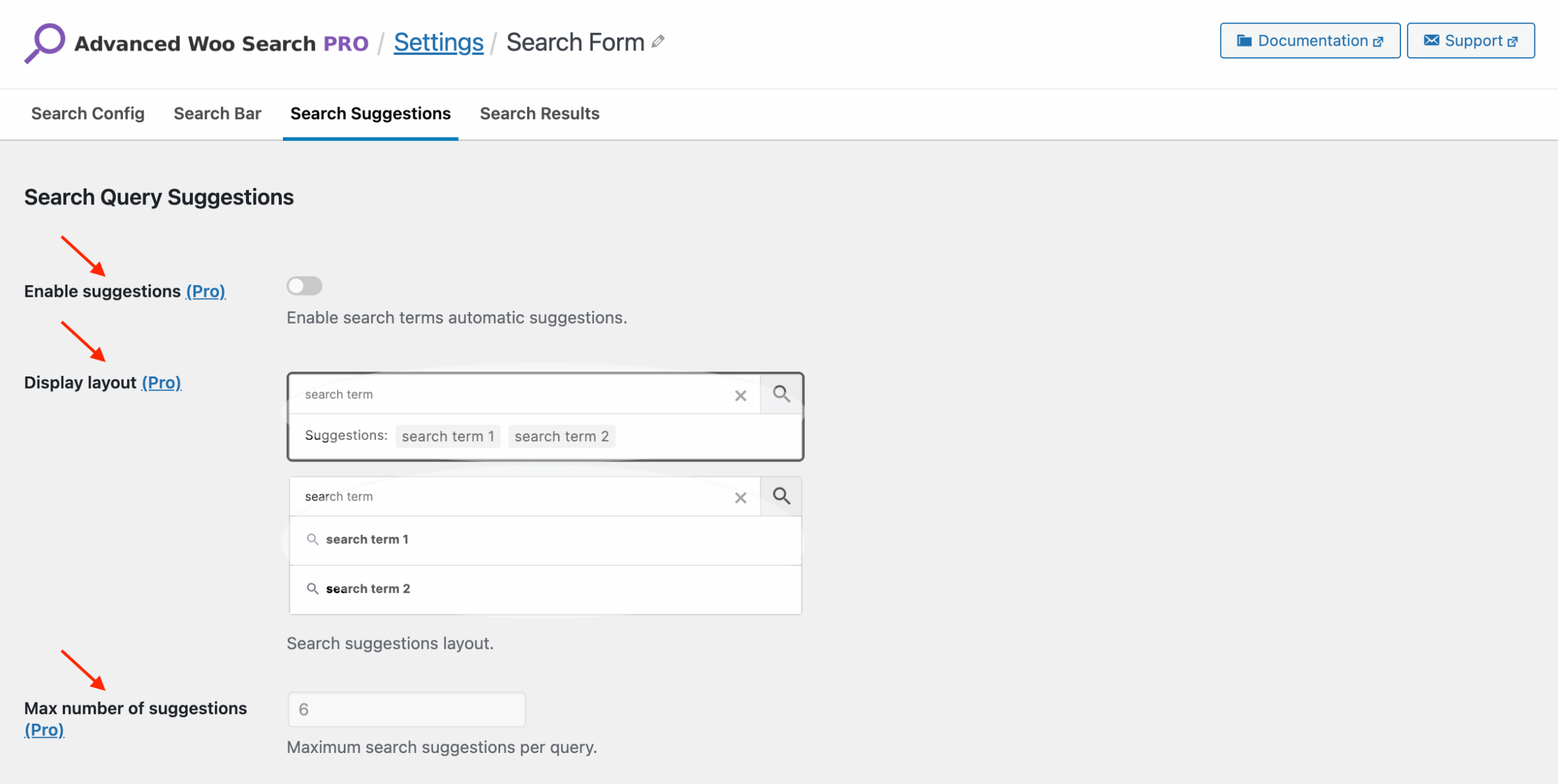
PRO plugin features are disabled
Below you’ll find the most common reasons why this happens, along with steps to resolve each issue.
Make sure the PRO plugin version is installed
One possible reason PRO features are unavailable is that the PRO version of the plugin is not installed or not activated.
To learn how to properly install and activate the PRO version, please refer to this guide:
Plugin Installation.
Make sure the license key is activated
Another - and the most common - reason for disabled PRO features is an inactive license key. An active license is required to unlock all PRO functionality.
Note: If your license has expired due to non-renewal, PRO features will continue to work, but access to plugin updates and support will be disabled.
You can find your license key in the purchase confirmation email.
To activate it, open the plugin settings, go to the License tab, paste your license key, and click Activate License.

Field to activate plugin license key